
iPhone & iPad
Swipe a thought. Watch it branch.
Converge builds mind maps from gestures, lays them out four ways, and turns a PDF into a map with AI.

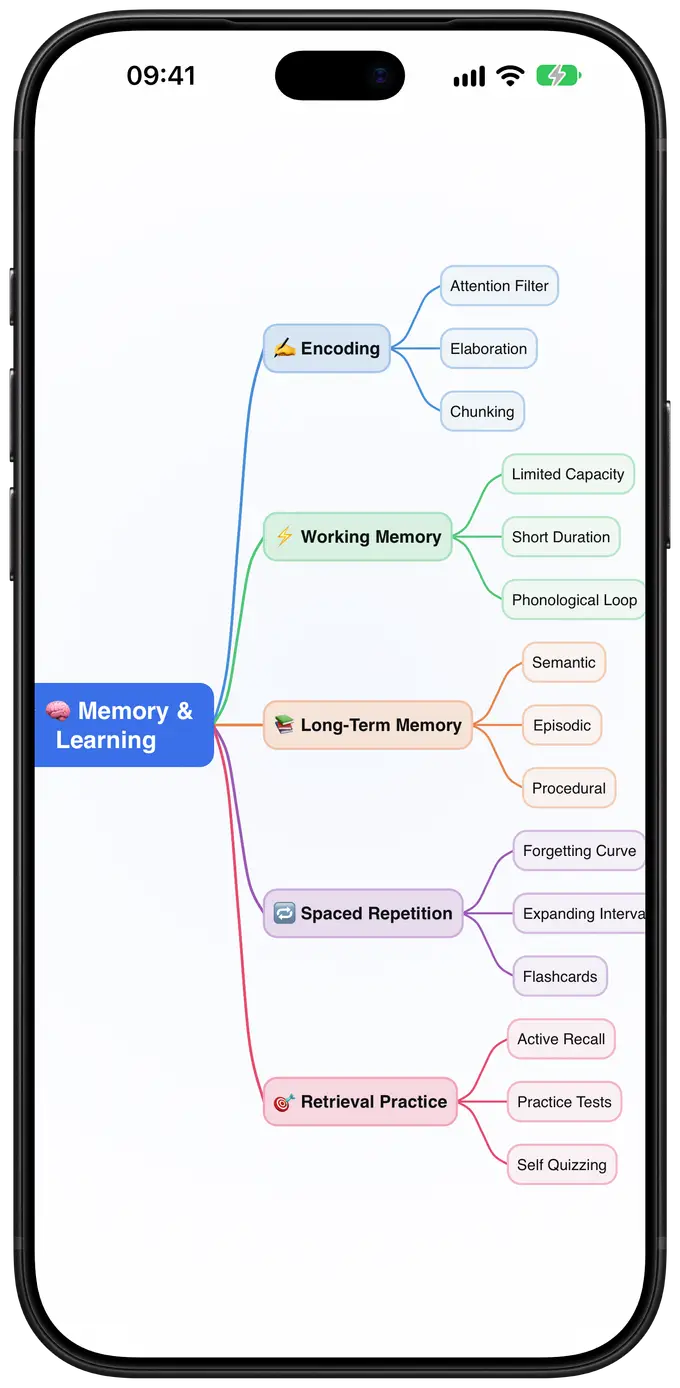
Four swipes do most of the work


Drag to move a branch. Tap twice to edit. Two-finger tap to undo.
One map, thirteen themes
Scroll to try six of them.
Default
Silk blue on a clean canvas.
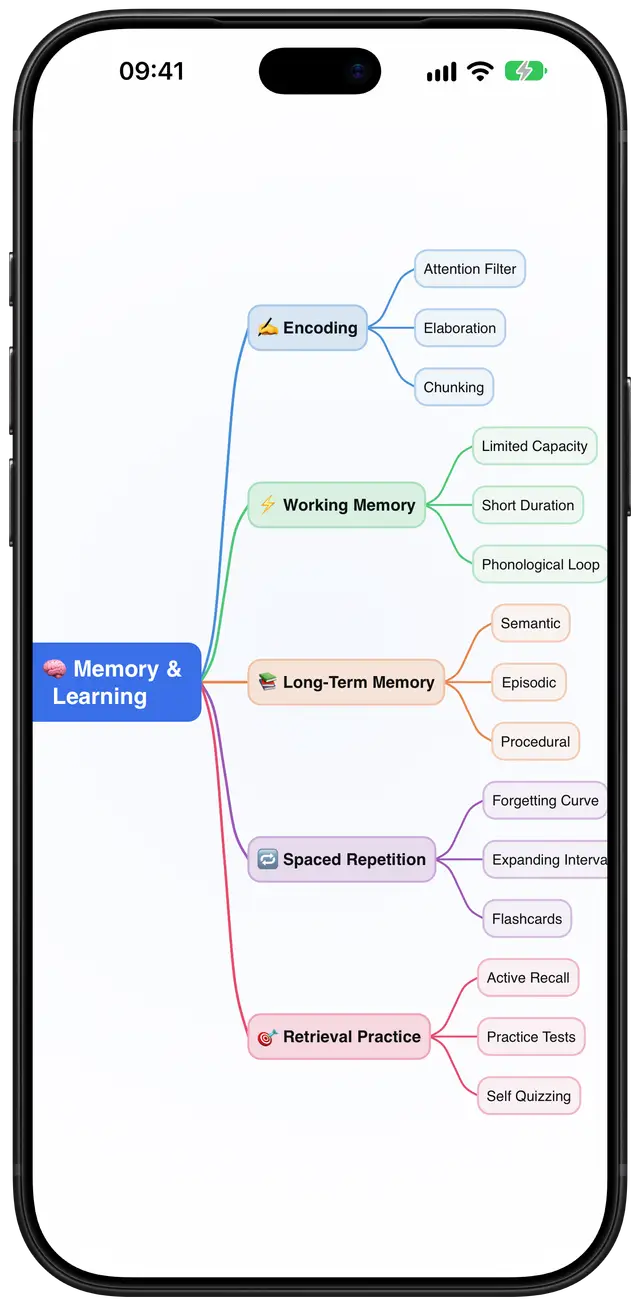
Soft Pastel
Gentle colours for long study sessions.
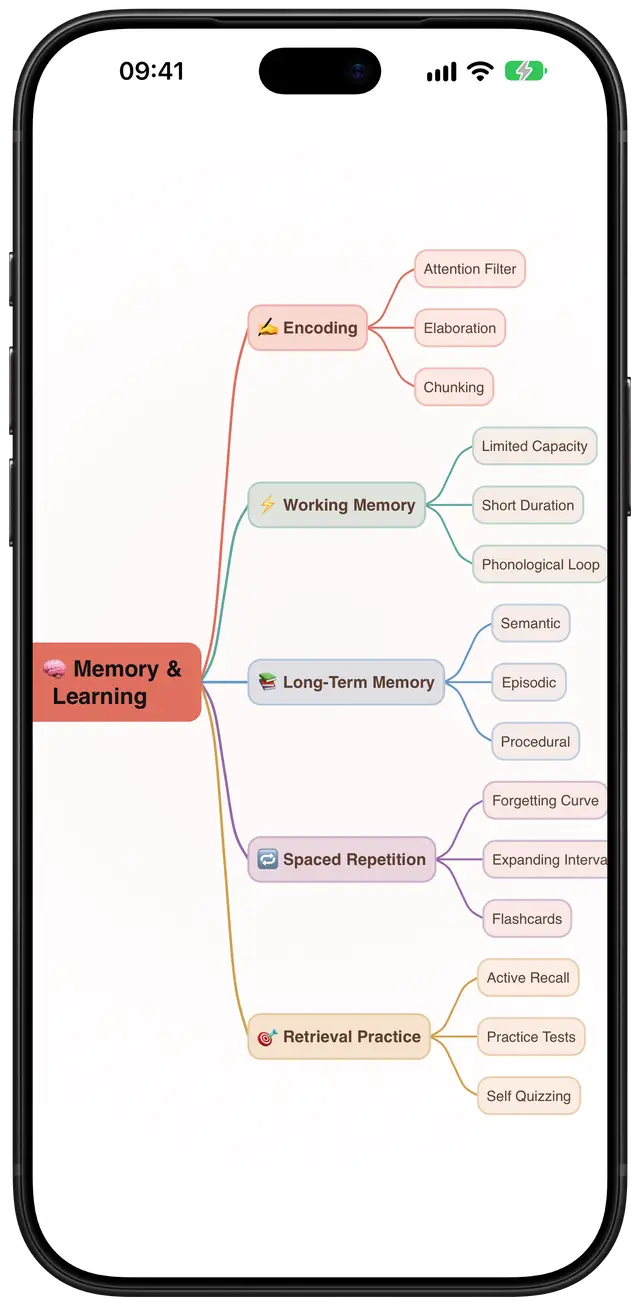
Nord Frost
Cool blues on a slate canvas.
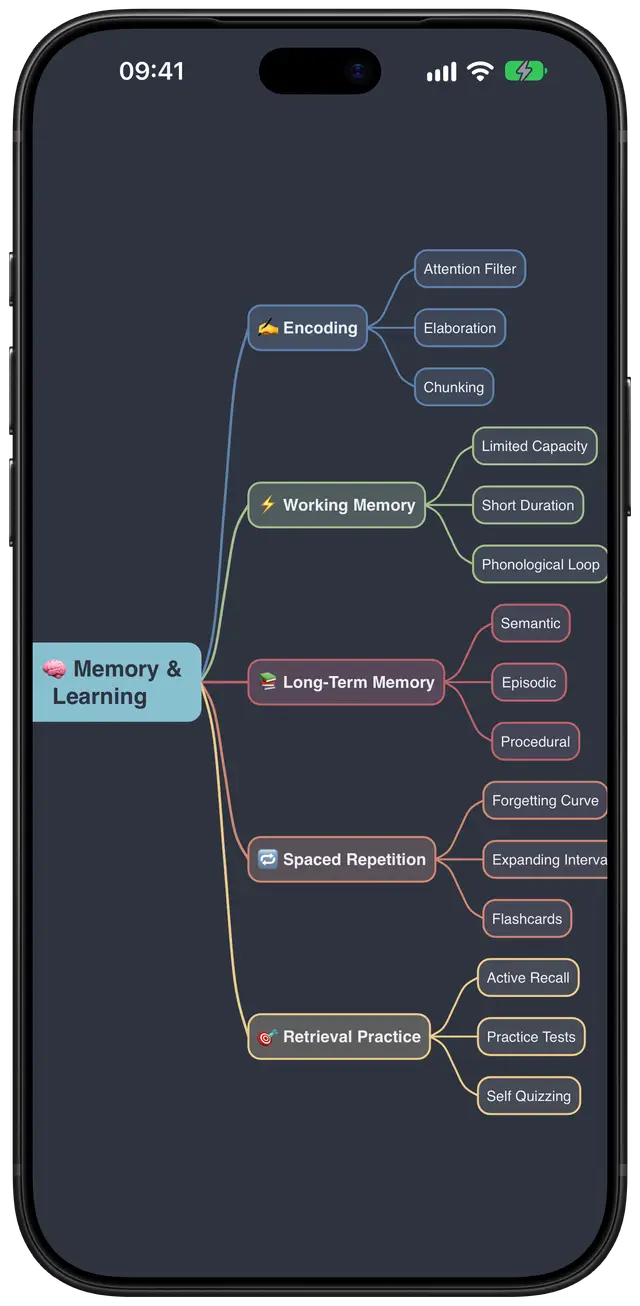
Tokyo Night
Neon branches on deep navy.
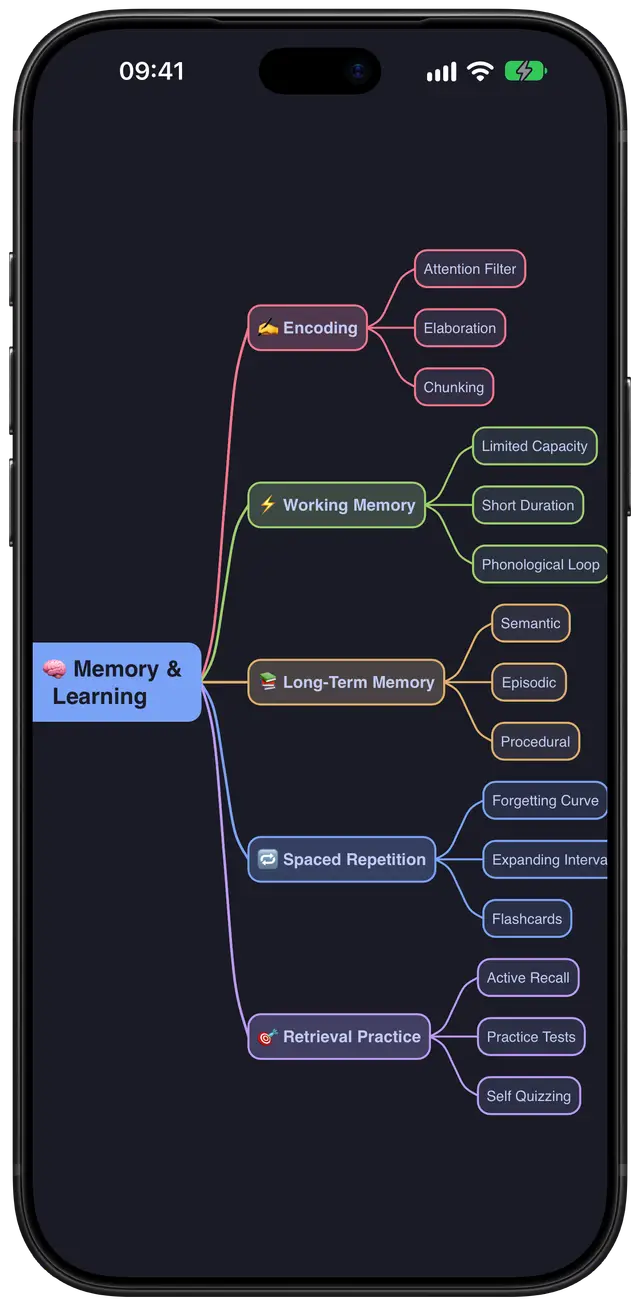
Dracula
Bright branches on the classic dark.
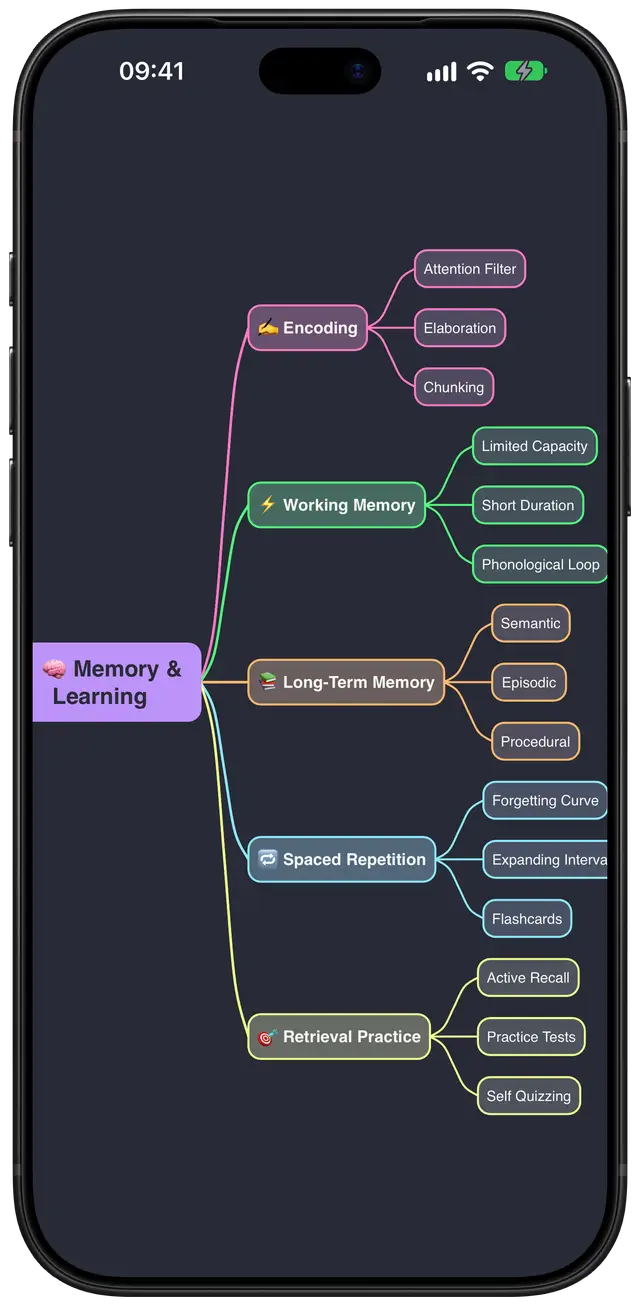
Catppuccin Mocha
Warm pastels on espresso.
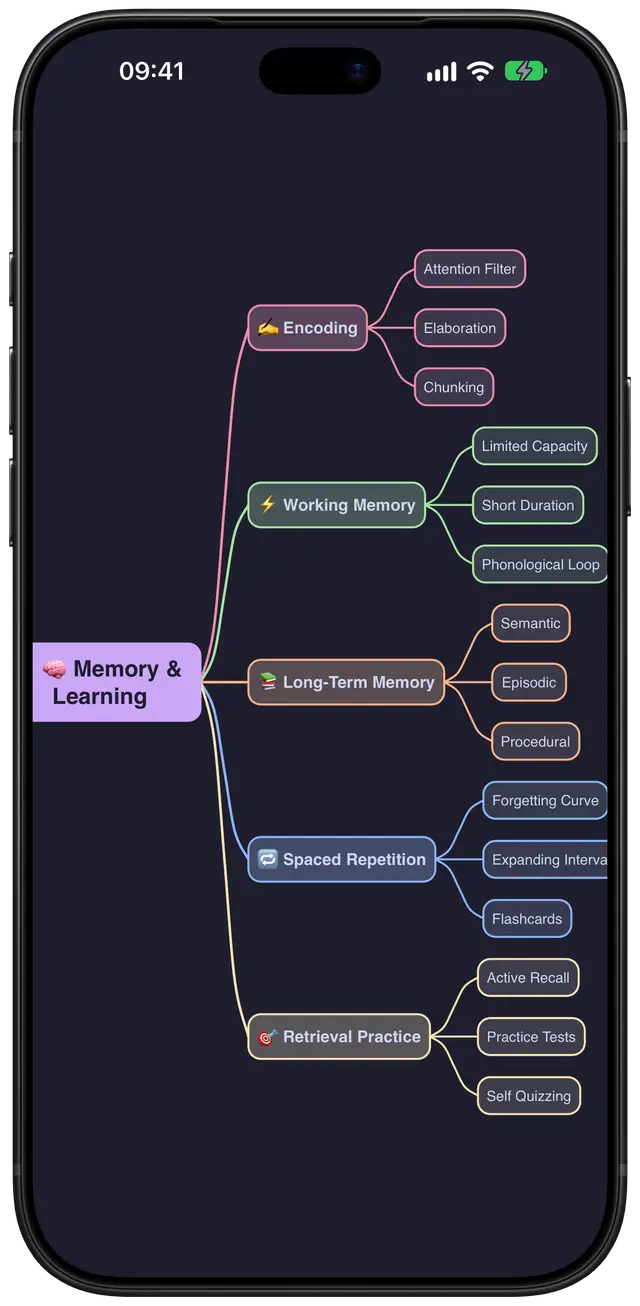


Four ways to lay it out


Switch at any time. The map stays the same; only the layout changes.

From a PDF to a map
Pick a PDF or paste text, up to 100,000 characters, and Converge’s AI outlines it as a map you can edit.
Your first 3 imports are free. Pro includes 30 a month. A failed import doesn’t count. The file goes to Google’s Gemini for processing; you don’t need an account.
And the rest
- Templates
- 8 to start from, including SWOT, Project Plan and Book Notes.
- Search
- Full text, across every map.
- Focus mode
- Show one branch, hide the rest.
- Notes
- Longer text on any idea.
- Cross-links
- Connect ideas on different branches.
- Undo
- Up to 50 steps back.
- Export
- PDF, PNG and Markdown.
- iCloud
- Your maps sync across your iPhone and iPad.
- Languages
- English, German, Spanish, French, Japanese, Korean and Simplified Chinese.
- Accessibility
- VoiceOver, Dynamic Type and Reduce Motion.
Privacy, plainly
- Your maps live on your device and in your private iCloud. We can’t see them.
- There’s no account to create.
- AI Import sends the file you choose to Google’s Gemini to build the map. The file itself isn’t stored.
- Analytics and crash reports are off unless you allow them.
Free, or Pro
Free: up to 5 maps, 3 AI imports, all layouts and themes, Markdown export, PDF and PNG export with a small watermark.
Pro: $2.99 a month or $24.99 a year. Unlimited maps, 30 AI imports a month, clean PDF and PNG.
Subscriptions renew automatically and can be cancelled in Settings.